
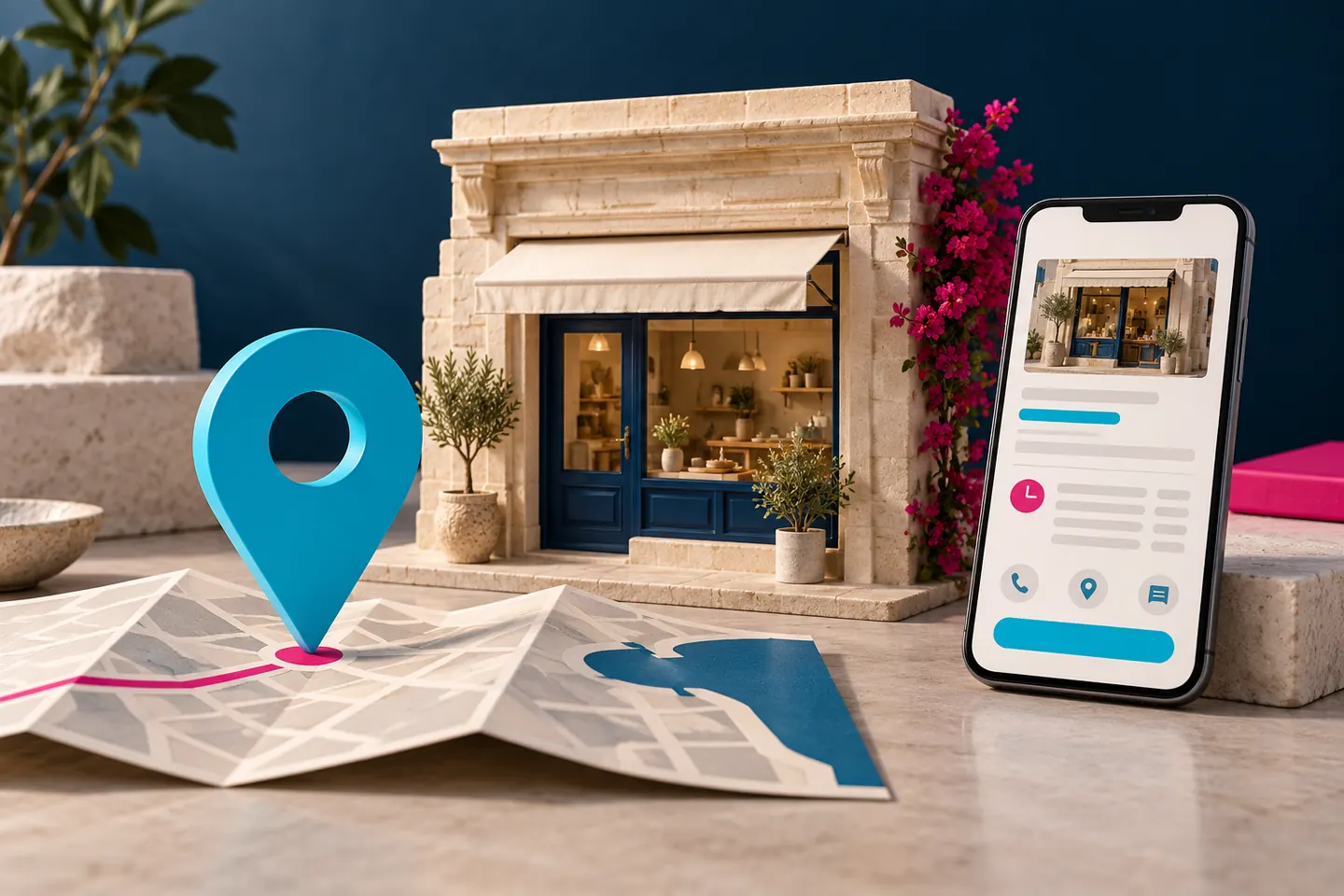
Your business profile may be the first place someone checks your telephone number, hours or location. An attractive photograph cannot make up for a link that leads nowhere or a description that promises a service you no longer offer.
This guide focuses on the profile itself. If the problem is a website page missing from search, use our separate Google visibility diagnostic guide. A Maps listing and an indexed website are related parts of discovery, not the same system.
Check eligibility and your business model first
Do not create a listing simply because an online form lets you begin. Read Google’s business representation guidelines against the way you operate. Online-only businesses are generally not eligible; qualifying businesses ordinarily have in-person contact with customers.
A shop receiving customers and a plumber travelling to customers need different address arrangements. Google says service-area businesses should hide the address where customers are not served, and a virtual mailing address does not establish an eligible staffed business location. Check the full rules for your circumstances.
For a Malta business, write down the actual operation before choosing settings: where customers meet you, whether there is permanent signage where required and which areas you really serve. Do not turn an administrative address into an invented customer-facing branch.
Keep the business in control of access
Identify who currently manages the profile and use the appropriate official ownership or access process if it belongs to somebody else. Avoid creating a duplicate as a shortcut to an access problem.
Keep recovery details under business control and document which staff or suppliers have access. A marketing supplier may need permission to work, but the owner should understand how to continue managing the profile when that relationship ends.
Verification steps can differ. Follow the options Google actually presents for your business. Be cautious of anyone promising a guaranteed verification outcome or asking you to share security codes outside a process you understand.
Use your real name, a sensible category and useful details
Use the name customers recognise in the real world. Google’s guidelines say to select the fewest categories needed to describe the core business and keep the address or service area accurate. Do not add a string of towns or services to the business name to chase searches.
Then review the information as a customer would. Is the telephone number answered by the right business? Does the website describe the service you selected? Do the stated hours reflect when customers can actually use the business?
For example, a business based in Birkirkara should not describe itself as having a Sliema office unless that is true. If it works across Malta, explain its genuine coverage in the appropriate place. More geographic claims do not make the information more useful.
Link customers to the task they want to complete
The main website link should take people to an appropriate page for the business. Additional action links, where your profile supports them, should match the action: viewing a menu, requesting a booking or placing an order.
Google’s business-link requirements are worth checking before adding those destinations. Features vary, and a workflow shown in an overseas example may not be available to your Malta profile.
Try every link on a phone. Check that a visitor does not meet a login wall, an expired promotion or a page with no obvious next step. For restaurants, our restaurant website planning guide covers the operational side of bookings and orders.
Ask for honest reviews without trying to script them
A straightforward request after a real customer experience is more defensible than a campaign built around rewards. Google’s contribution policy prohibits incentivised reviews, discouraging negative reviews and selectively asking only for positive feedback.
Make the request easy to understand, do not prescribe a rating and do not pressure customers to include particular keywords. Give staff a process they can apply consistently rather than a target that encourages manipulation.
When replying, address the concern without exposing private customer information. Take account-specific details to a suitable private channel. A response is an opportunity to be useful; it is not a place to reproduce someone’s contact details or argue about personal circumstances.
Understand what profile work can and cannot change
Google identifies relevance, distance and prominence as central local-ranking considerations. Its local ranking guidance recommends complete information and states that there is no way to pay for a better organic local ranking.
A more accurate profile can help Google and customers understand the business. It does not move your real location closer to every searcher. Adding a service area is not a promise of visibility throughout it, and no agency can responsibly guarantee the top Maps position across Malta.
Review the customer journey rather than one search from your own phone. Are the enquiries relevant? Do visitors reach the intended website page? Are people asking about services that you actually offer? These questions turn maintenance into useful business work.
A manageable monthly profile review
- Check your business name, contact route and main website link.
- Review regular and special opening information.
- Confirm that services and photographs still reflect the operation.
- Test available booking, menu or order links.
- Read and respond appropriately to genuine reviews.
- Remove access that a former supplier or colleague no longer needs.
- Record changes so the next person understands what was updated.
Common Google Business Profile questions in Malta
Can an online-only business create a profile?
Generally, an online-only business without in-person customer contact does not meet Google’s eligibility model. Check the official guidelines rather than inventing a public location to get around the rule.
Should I create a profile for every town I serve?
No. Service coverage does not create separate business locations. Follow the rules for your actual staffed locations and service-area model.
Do I still need a website?
A profile helps people discover practical information. A website gives you room to explain services, show authorised evidence and manage a fuller enquiry journey. The two can support each other.
Start by checking the details a customer needs today. If the profile links to a weak or confusing website, explore our Business website package or local search support as a separate next step.
Your next step
Need a website that works as hard as your business?
We design clear, fast and responsive websites for businesses in Malta. Tell us what you are planning and we’ll reply with practical guidance.
Get a free consultation