
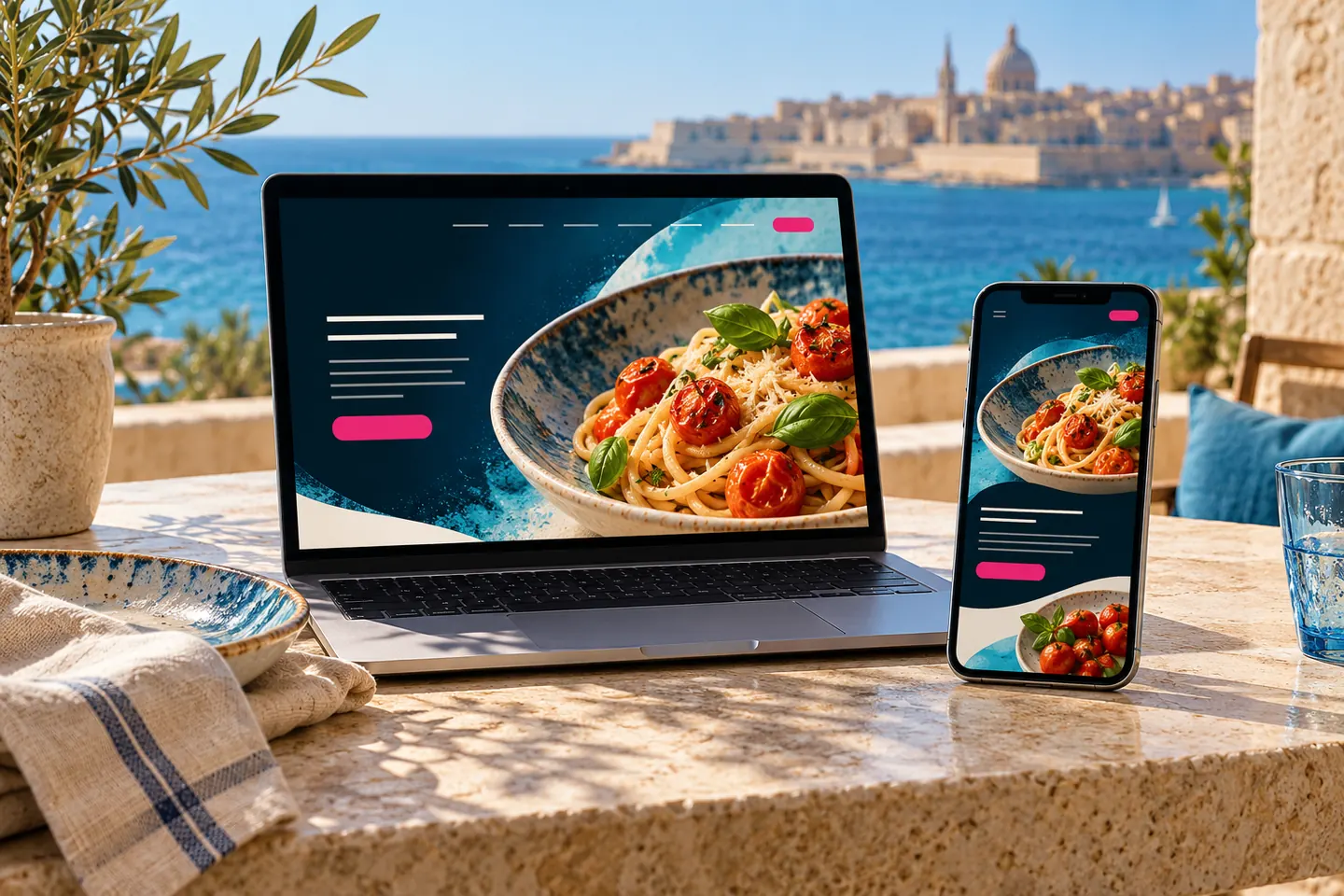
A hungry customer should not have to enlarge a blurry menu, search three social profiles for opening hours and guess whether a booking request has been accepted. A restaurant website earns its place by making those decisions simpler.
For restaurants in Malta and Gozo, residents and visitors may arrive with different questions. One person wants a familiar collection order; another needs to understand the cuisine, location and booking arrangements before visiting. Build around both journeys without claiming that every restaurant needs the same platform.
Answer the questions people have before choosing
Lead with the food, the place and the next action. Put the restaurant name, location, menu link, opening information and booking or ordering route where they can be found quickly. Keep the practical details readable rather than hiding them under a full-screen video.
A Valletta restaurant might need especially clear walking directions to its entrance. A Gozo restaurant might need to explain its actual locality and service times to visitors planning a trip. These are examples of information needs, not assumptions about any particular business.
Use photographs you own or have permission to publish, showing food and surroundings honestly. If an image is a concept, identify it as one. A spectacular picture of a dish you do not serve creates the wrong expectation.
Make the menu usable on a phone
A readable web menu lets customers browse dishes without treating a poster as an interface. Organise it into sensible sections, keep names and descriptions clear and make updating prices part of somebody’s regular job. A downloadable PDF can be an additional option rather than the only way to read.
Compress food photographs and serve appropriate image sizes. Google’s responsive image guidance explains how different source sizes can help browsers select suitable files. The business benefit is practical: a customer should not wait for an oversized image just to find the menu.
Establish a process for checking dietary and allergen information with the people responsible for the food. A designer should not infer those details from a photograph or recipe name. Obtain appropriate professional guidance on the information your operation must provide.
Choose a reservation flow the team can actually manage
Decide whether the website offers a booking request or a confirmed reservation. The distinction must be visible. A message saying “we will contact you” should not look like a confirmed table for Saturday evening.
A request form can suit a business with an effective manual response process. A live booking system may be appropriate when availability, seating rules and staff workflows are configured properly. Ask who receives alerts, how changes are handled and what happens outside staffed hours.
- What details does the team need to assess or confirm a booking?
- How are unavailable times and larger groups handled?
- Who sees cancellations or changes?
- Does the customer receive a clear confirmation or next step?
- Is there a telephone alternative when the system fails?
Test the whole process with the team before relying on it during service. A form that sends email is not automatically a booking-management system.
Assess direct ordering as a separate business decision
Direct orders can give you a channel under your own management, but “commission-free” does not mean cost-free. Compare the actual payment charges, platform subscriptions, support, packaging, staff time and delivery costs involved. Do not assume that removing one fee makes every order more profitable.
Before choosing software, decide the service area, collection windows, lead times, minimum order if any and the method for pausing orders when the kitchen is busy. Make those rules visible before the customer commits.
Then map the order after checkout. Who receives it? How does the kitchen accept it? How is the customer told about delays, unavailable items or a cancellation? Define the responsibilities for payments, refunds, privacy and customer information with your provider and appropriate advisers.
Keep your website and business profile in agreement
A useful website does not help if another public listing points to an old menu. Keep the main contact details and current service information consistent across the places you manage.
Google provides a menu editor for eligible food and drink businesses. Available tools and ordering features can vary by business and location, so check what appears in your own profile rather than assuming that an overseas tutorial applies in Malta.
Where action links are available, Google’s business-link policies require appropriate destinations for the action. A menu link, reservation link and ordering link should each take the customer to the relevant task, not leave them searching through unrelated pages.
Build useful local pages rather than repeating town names
Describe your actual restaurant and location. Include useful details such as the entrance, nearby landmarks where genuinely helpful, seating arrangements you can confirm and how customers can contact the team about access needs.
If you operate more than one genuine restaurant, give each its own accurate information. Do not create pages implying branches in Sliema, Mosta or Victoria if none exist. For search foundations, use our Malta Business Profile guide alongside the website.
A launch checklist for the owner and team
- Check every menu section, price and service time against the current operation.
- Test the website on a normal phone connection and at a larger text size.
- Complete an authorised test reservation and verify the staff workflow.
- For ordering, use the payment provider’s appropriate test process and check order handling.
- Test unavailable items, closed periods and failed submissions.
- Confirm that alerts reach the right people and that recovery procedures are understood.
- Assign a named person to menu, hours and photograph updates.
- Check the website links on your public profiles.
Questions restaurant owners ask
Should I stop using delivery platforms?
Not automatically. Compare the customers they bring, the terms and the operating costs with your own direct channel. The useful mix depends on your restaurant; a website does not create delivery capacity by itself.
Can I launch without taking payments online?
Yes. A clear menu and dependable reservation or enquiry route can be a sensible first stage. State exactly how any order or booking is confirmed.
How much does a restaurant website cost in Malta?
The scope changes substantially between a menu site, a booking integration and a complete ordering operation. Define the workflow first and compare written quotes using our designer selection checklist.
Bring Kollox your current menu and the journey you want customers to complete. We can help you plan a website or commerce package around the operation you actually run.
Your next step
Need a website that works as hard as your business?
We design clear, fast and responsive websites for businesses in Malta. Tell us what you are planning and we’ll reply with practical guidance.
Get a free consultation